Start with My Gita
Open My Gita to see recent activity, active study streaks, and overall progress.
Open My Gita ->
You can use EasyGita without an account to read chapters, explore concepts, and try learning resources anonymously. Registering is optional, but it unlocks My Gita: your personal signed-in study space for tracking quiz progress, building Sanskrit vocabulary, saving important shlokas, and studying together with friends and groups.
Use this guide to explore and make the most of all the features available in My Gita.
Start with My Gita
Open My Gita to see recent activity, active study streaks, and overall progress.
Open My Gita ->
Practice with quizzes
Use Concept quizzes for meaning and Sanskrit quizzes for vocabulary.
Open quizzes ->
Review saved study
Return to saved shlokas, personal notes, and section progress.
Open saved shlokas ->
Connect with others
Add friends, form study groups, and track learning progress together.
Manage Friends & Groups ->
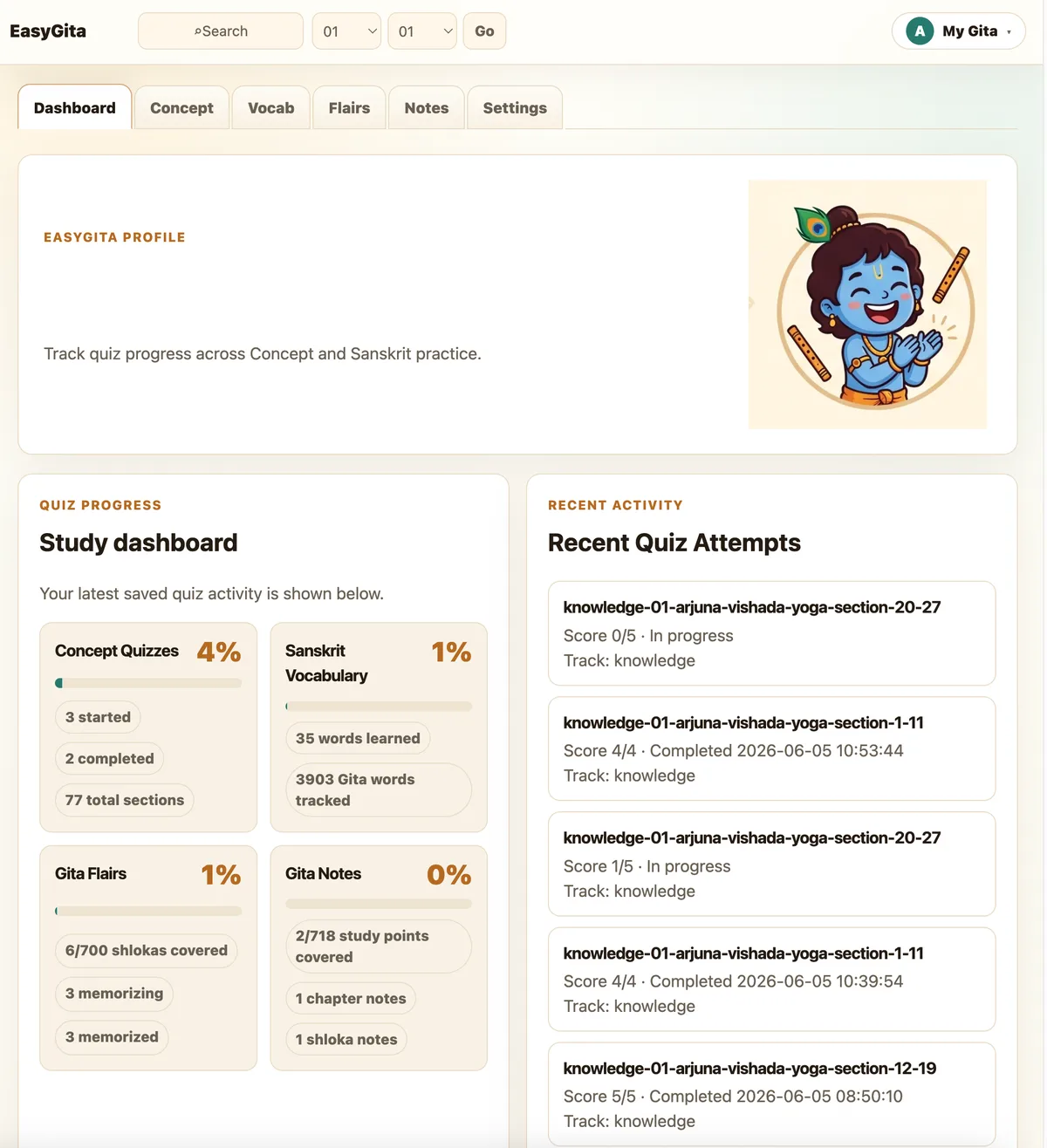
The My Gita dashboard is the quickest way to see what you have already started. It summarizes Concept quiz progress, Sanskrit vocabulary progress, Gita flairs, Gita notes, and recent quiz activity. It also displays your current and longest study streaks, complete with milestone achievements represented by beautiful Krishna or Radha mascot themes.
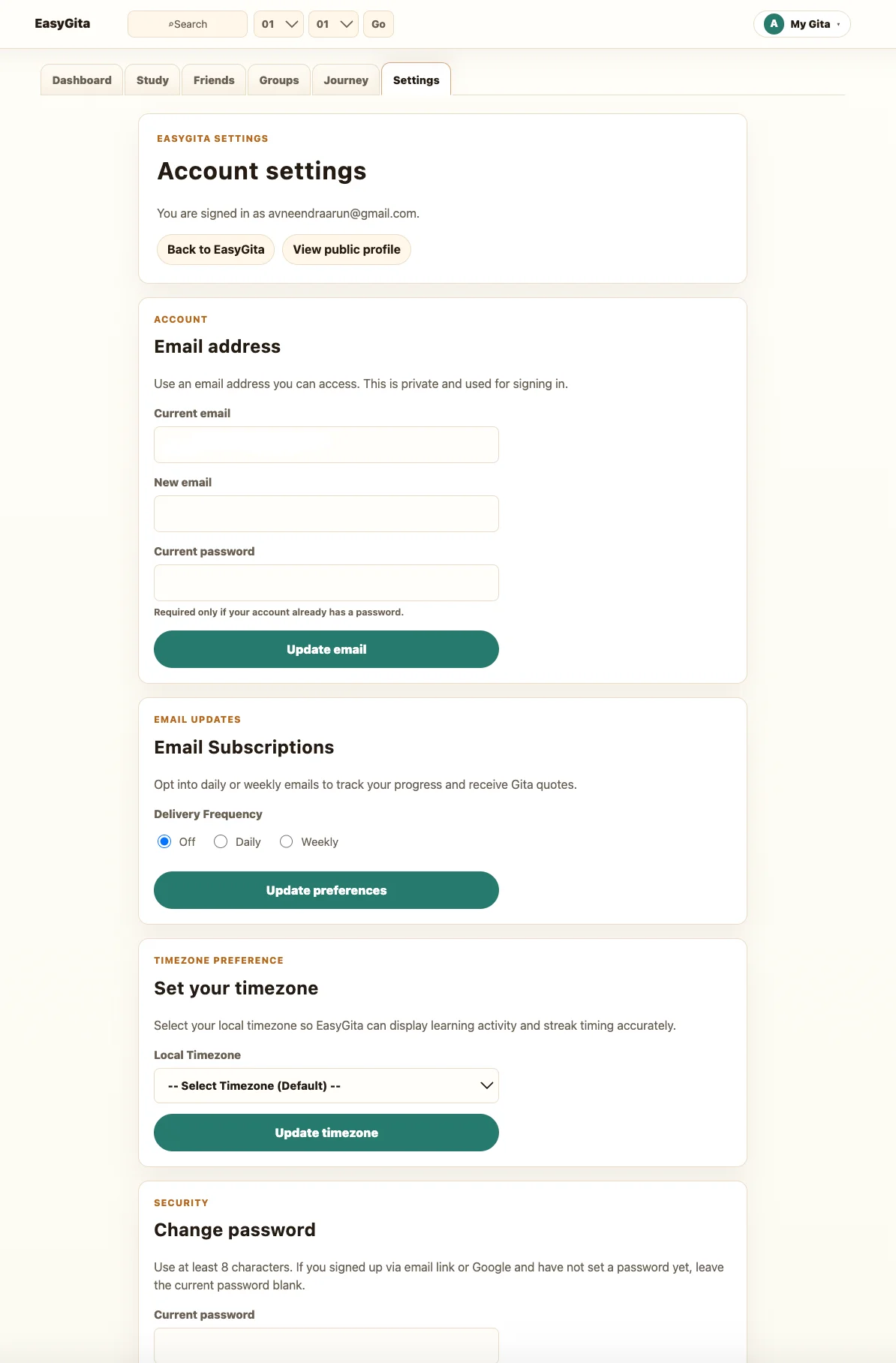
If you are signed in, open My Gita and use the top tabs to navigate between the Dashboard, Study (Read, Quiz, Vocab, Flairs, Notes), Friends, Groups, Journey, and Settings.
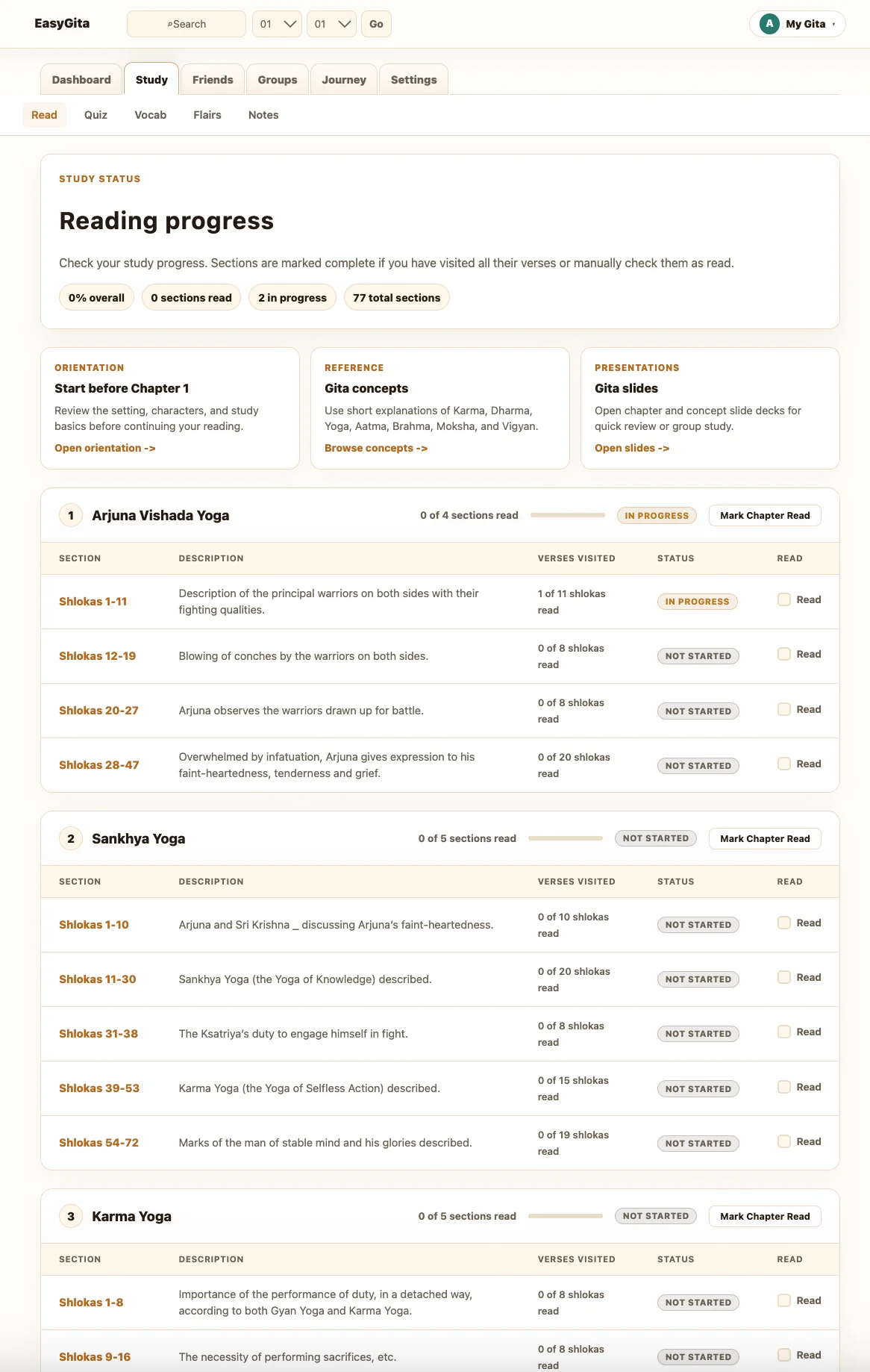
The core of your study is reading the Bhagavad Gita chapters. In the reading view, you can read Sanskrit shlokas, their transliteration, word-by-word Sanskrit-to-English meanings, translations, and detailed explanations.
For easy navigation, use the floating Chapter Section Switcher at the bottom of the page to jump directly to specific shloka ranges. While reading, you can write personal study notes or assign flairs to any shloka when signed in.
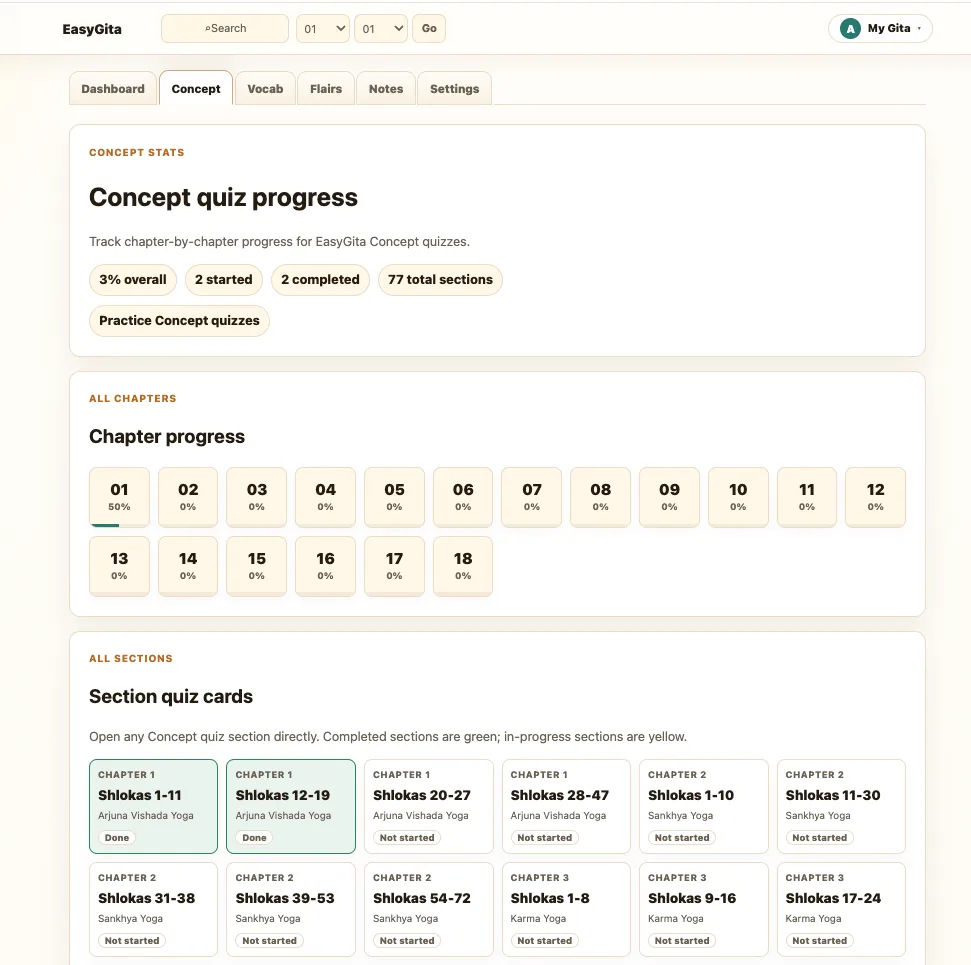
Concept quizzes help you review the meaning of each chapter section. They are useful after reading a group of shlokas because they check whether the main ideas are clear.
From My Gita, open Concept progress to see chapter-by-chapter completion. You can also begin from the public Concept quizzes page.
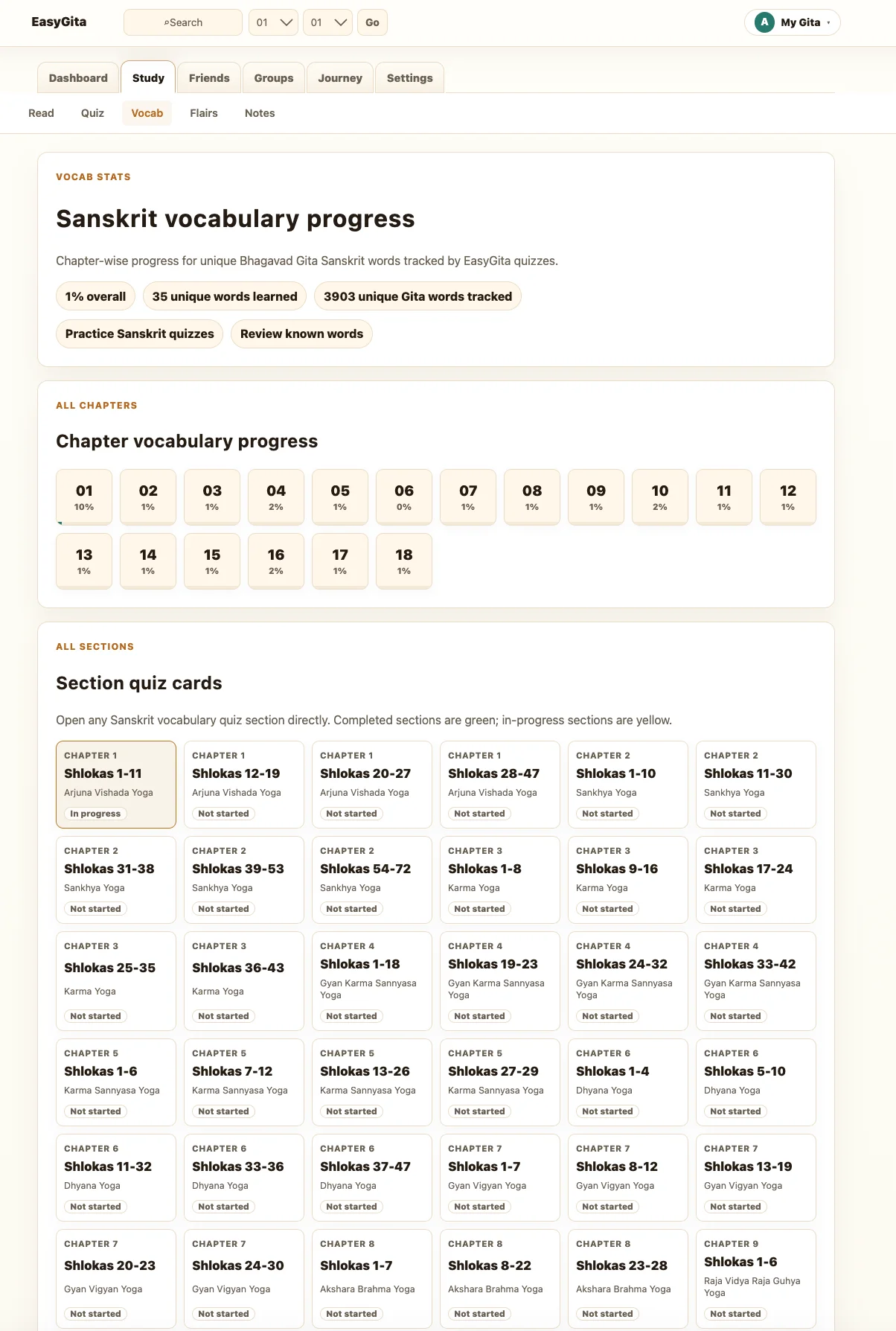
Sanskrit vocabulary practice helps you recognize repeated Gita words. My Gita tracks unique words learned across chapter sections, so progress can grow steadily even when you study in small sessions.
Open Vocabulary progress from My Gita, or start directly from Sanskrit vocabulary quizzes.
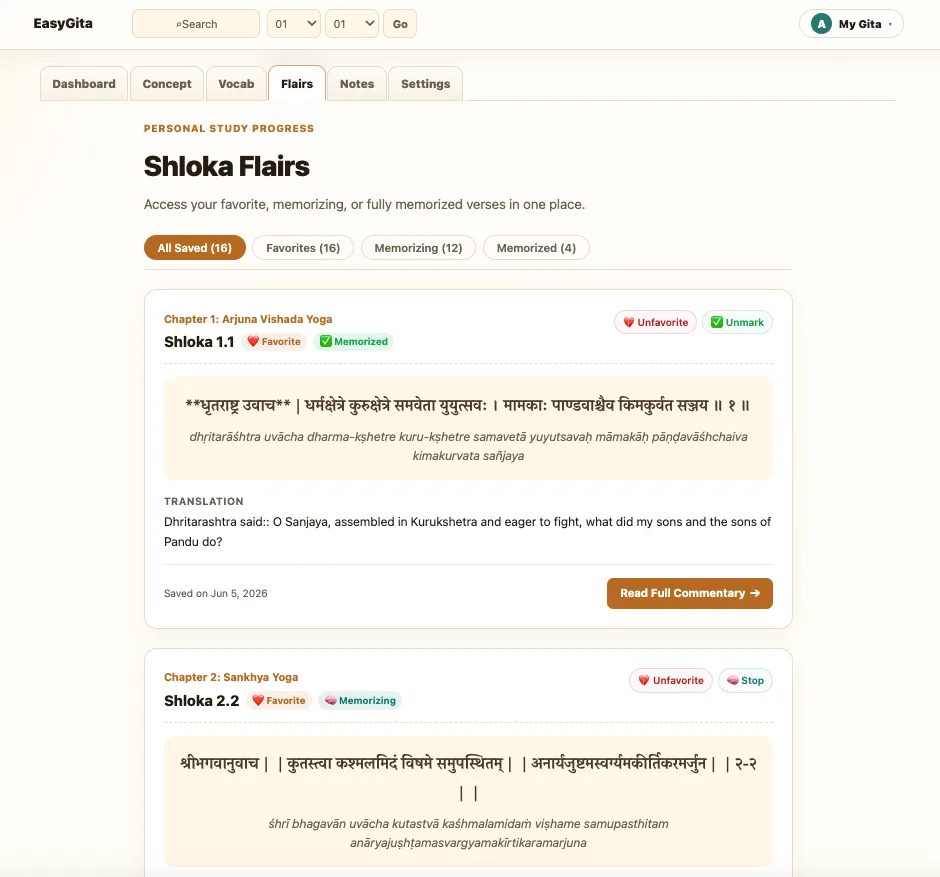
Gita flairs let you categorize and save shlokas that resonate with you or require study. You can assign three types of flairs to any shloka page or chapter page:
You can filter and manage all your saved verses in one place under Gita flairs.
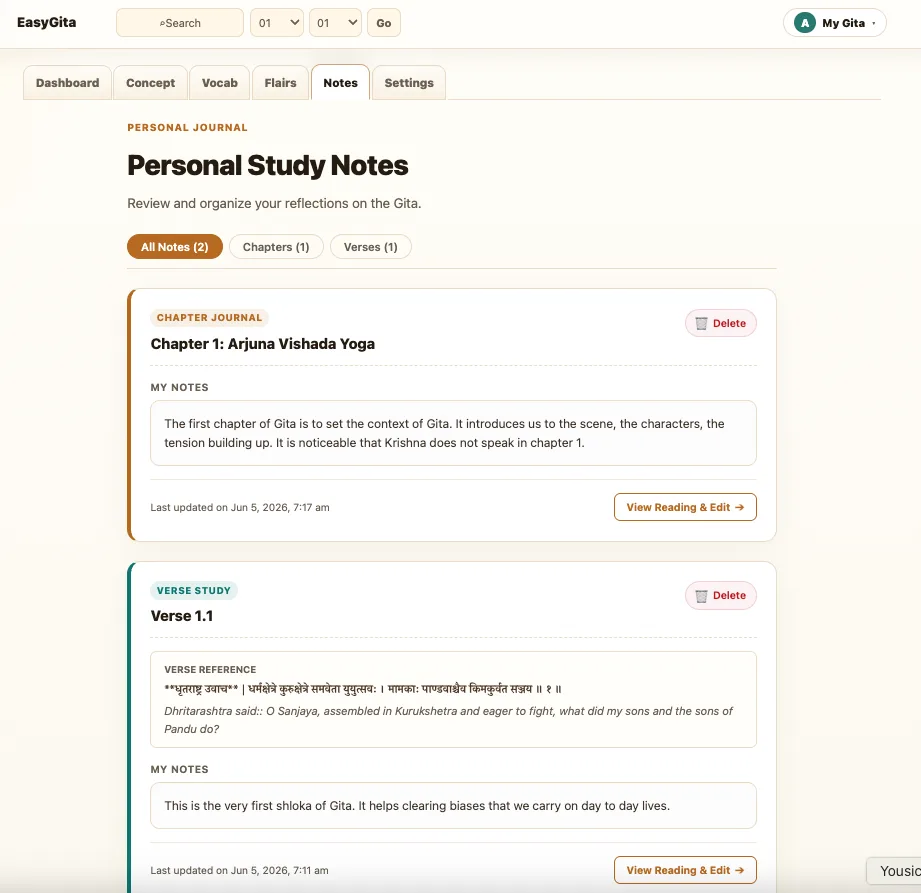
Gita notes are for your own reflections. You can keep private notes at the chapter level or for a specific verse, then return to them from My Gita.
Open Gita notes to review saved notes. When studying a chapter or shloka, use notes for questions, personal reflections, or reminders from your reading.
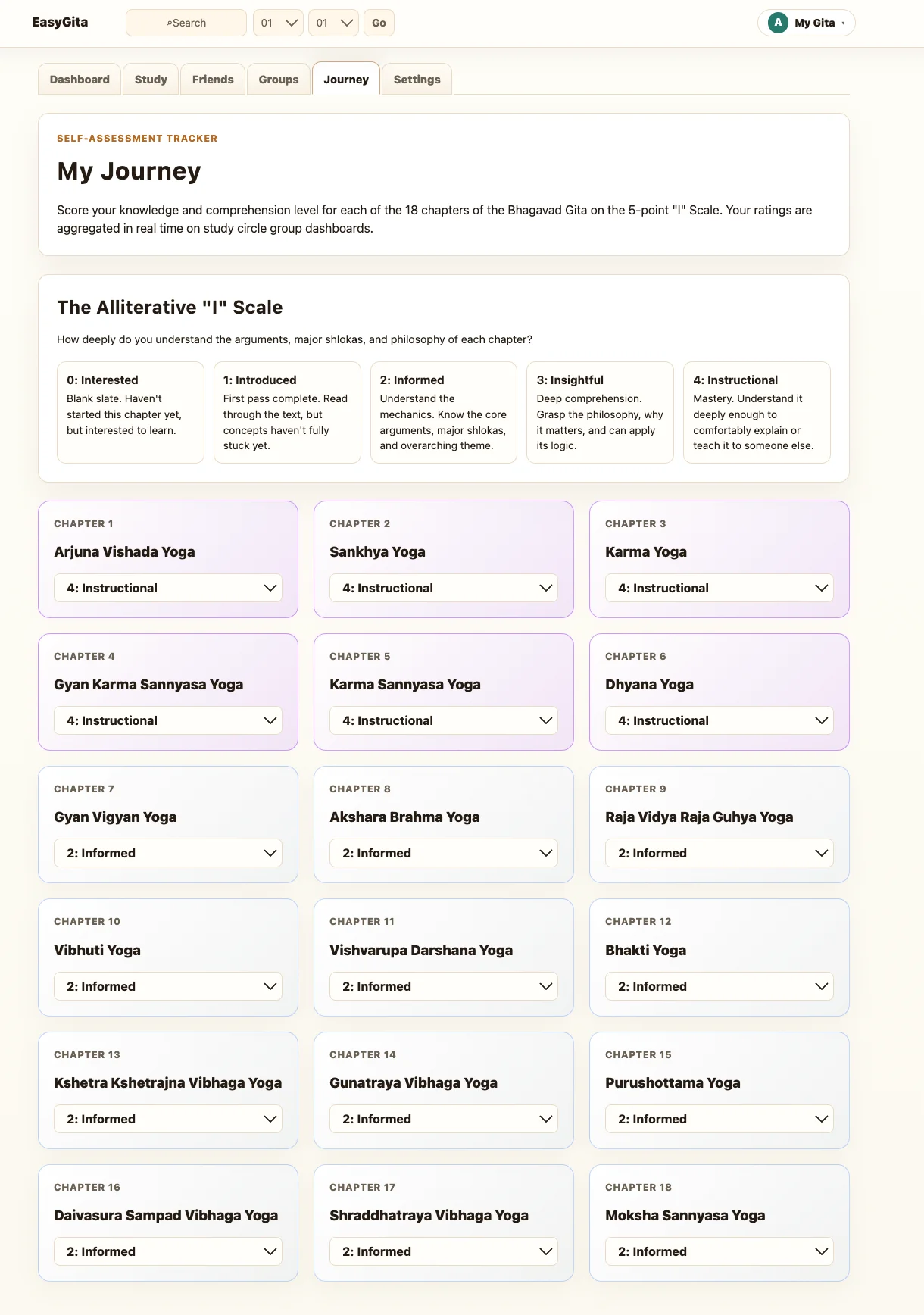
The Journey tracker allows you to self-evaluate and record your level of understanding for each of the 18 chapters of the Bhagavad Gita on a 5-point scale:
Updating your Journey progress helps you visually track your spiritual and philosophical growth.
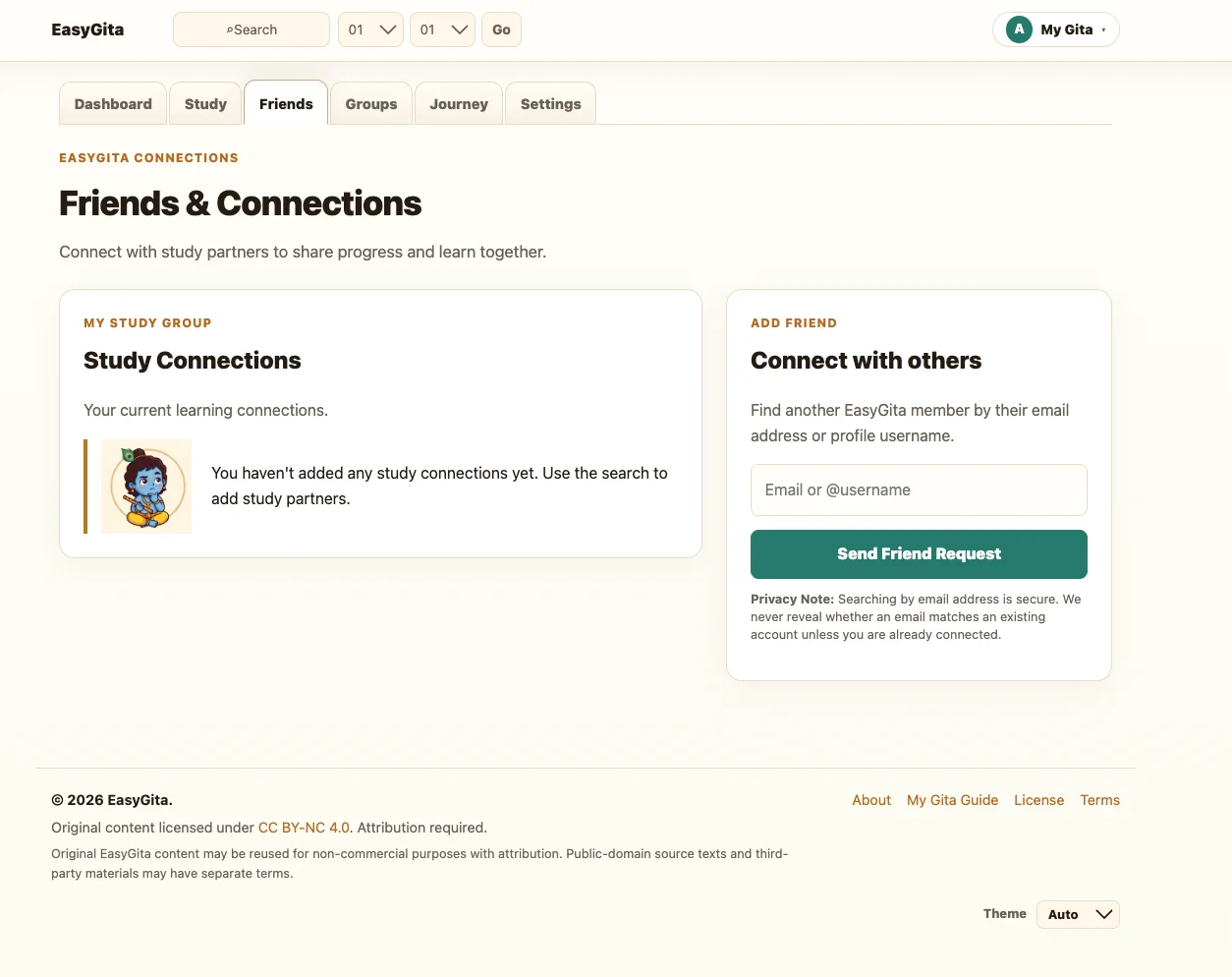
Study is more rewarding when shared. In the Friends section, you can add friends using their username handles to build your trusted study network.
Once connected, you can view each friend’s public profile, their study stats, and their reading frequency narrative. You can also discover and connect with friends of friends directly from their profile pages.
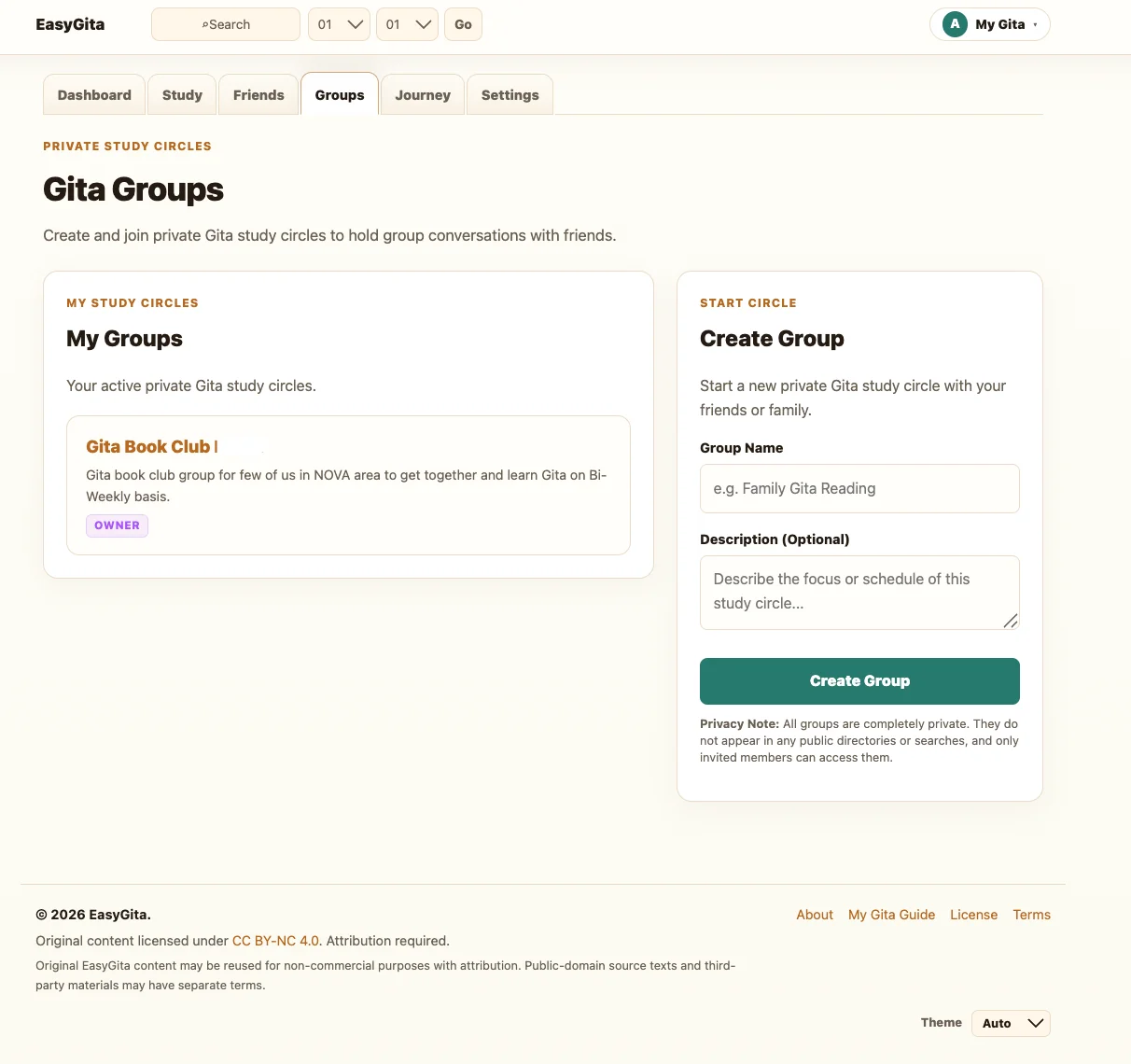
Groups allow you to create or join study circles for collective Gita learning.
Within a group, members can compare learning progress side-by-side. Group owners can also select an active quiz or vocabulary section as the “Group Live Quiz”, letting all members see and track real-time quiz results, rankings, and section progress together.
Under Settings, you can manage your My Gita profile preferences: